Shopify Checkout Hijack Warning: Check HulkApps, Swym Wishlist Plus and Selleasy
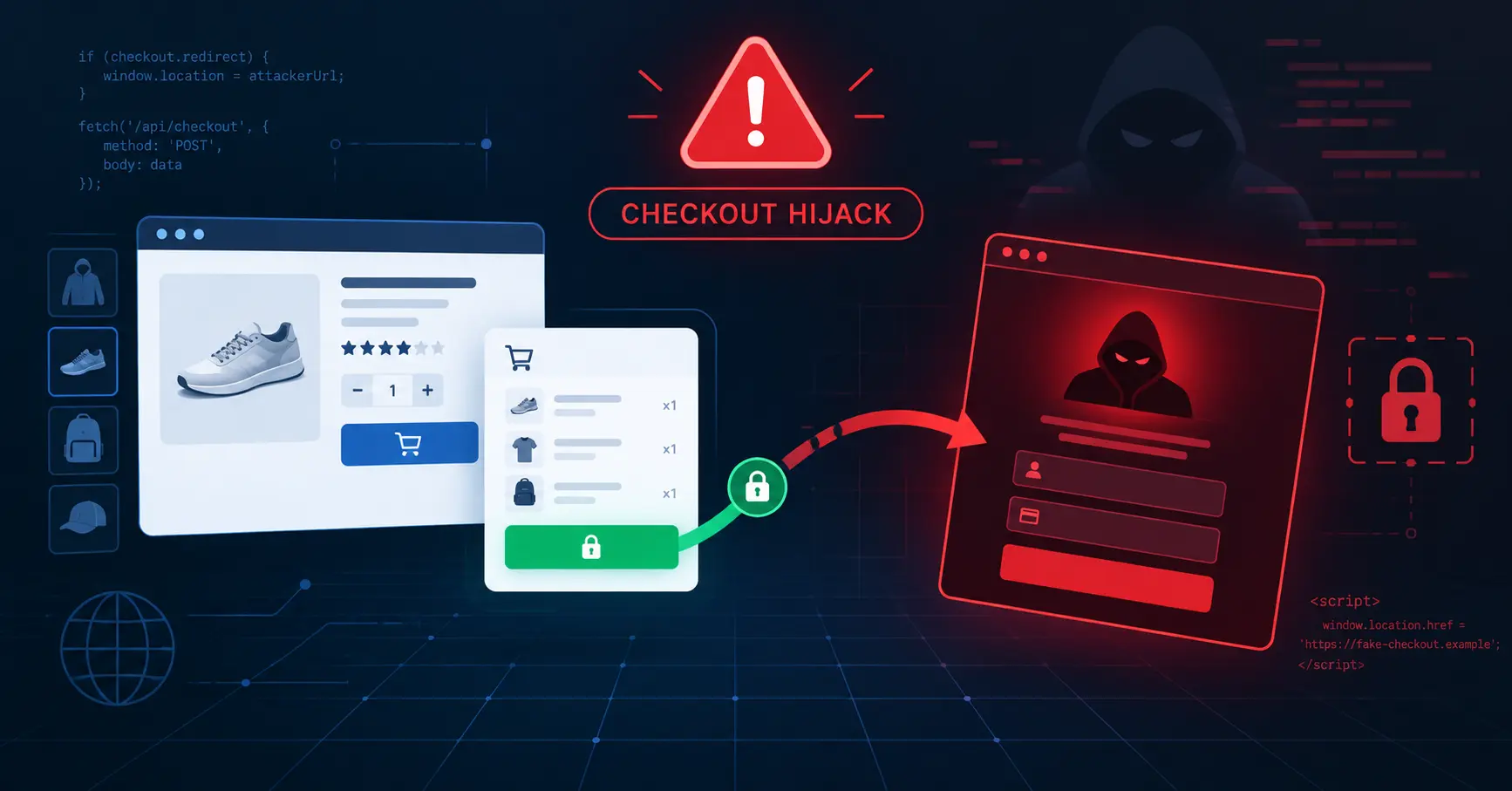

14 October 2026, approximately 2:00pm BST: We identified malicious JavaScript on a Shopify store that was hijacking the checkout process and redirecting customers away from the legitimate Shopify checkout to fraudulent “account confirmation” pages.
If your store uses HulkApps, Swym Wishlist Plus or Selleasy, we recommend reviewing it immediately. These apps have been associated with reports of a wider Shopify checkout-hijacking campaign. This does not prove that every installation is affected, but store owners should check their theme code, app settings, and checkout journey as a precaution.
How we found it
We noticed an unexpected downturn in revenue and investigated the customer journey. We found malicious code attached to the cart page and checkout call-to-action.
Rather than sending customers to Shopify’s genuine checkout, the script intercepted the action, read cart data, and redirected the visitor to an external phishing site.
What the malicious code did
The script was designed to hijack the checkout journey. It could:
- Monitor cart activity through
/cart.js - Capture items, quantities, prices, currency, and order totals
- Detect clicks on checkout buttons and cart submissions
- Prevent the legitimate Shopify checkout from loading
- Redirect the customer to a fraudulent page with encoded cart data
This is particularly concerning because the customer may believe they are completing a normal purchase. If they enter card or login details on the fake page, that information could be captured.
Apps to review
Please check whether any of the following apps, extensions, or related custom-JavaScript configurations are installed:
- HulkApps
- Swym Wishlist Plus
- Selleasy
Public reporting has identified HulkApps as one possible delivery route for this campaign, while other reports indicate that additional Shopify apps may also be involved. If you use any of the apps above, do not assume your store is safe simply because checkout appears to work normally; inspect the code and test the full customer journey.
Domains and code to look for
Search your theme files, app embeds, custom Liquid, tracking scripts, and app settings for references to these domains:
account-confirm.topbiliing.topcheckout-confirm.toporder-confirm.top
Also search for these indicators:
hulkcode.jsSWYM139__lby139__lb139t__ctf_shim_handoff_done_v1location.assignonerror=
Pay particular attention to any app that can inject custom JavaScript, modify the theme, or access cart, checkout, customer, or order data.
How to test your store
- Open a fresh incognito browser window.
- Add an item to the cart.
- Click Checkout.
- Confirm that you reach the genuine Shopify checkout domain.
- Repeat the test on mobile and desktop.
- Inspect the page source and browser network tab for unexpected external scripts or redirects.
If checkout redirects to an unfamiliar domain, stop testing, record the URL, and investigate immediately.
What we did
As soon as we identified the issue, we:
- Disabled the suspected app in Shopify.
- Removed and uninstalled the app from the store.
- Reviewed all theme files, snippets, app embeds, custom Liquid, tracking scripts, and third-party integrations.
- Searched for the malicious domains, identifiers, and script patterns.
- Reviewed app permissions, recent theme changes, staff access, and integrations.
- Tested the cart-to-checkout journey again to confirm the legitimate checkout was restored.
- Reported the issue to the relevant app provider and Shopify Support.
What to do if you are affected
- Disable the suspected app immediately.
- Remove any malicious script from the theme and app settings.
- Uninstall the app if it cannot be confirmed as safe.
- Change Shopify admin, app, and associated email passwords from a clean device.
- Enable two-factor authentication.
- Review staff accounts, collaborators, API keys, and recently installed apps.
- Contact the app provider and Shopify Support for an investigation.
- Re-test checkout before returning the store to normal operation.
How Echologyx can help
Echologyx provides Shopify support, development, QA, and security monitoring for ecommerce businesses. We help identify suspicious scripts, audit app permissions and integrations, restore broken customer journeys, and put checks in place to protect revenue and customer trust.
If you use HulkApps, Swym Wishlist Plus or Selleasy and are concerned about a checkout hijack on your store, contact our team for a Shopify security and checkout-integrity review.